Part 1: Let Non-Superusers Query yb_local_tablets in YugabyteDB

In YugabyteDB, each tablet server hosts one or more tablets... the basic unit of data distribution and replication. When troubleshooting, you often want to inspect which tablets are present on a given node, their partition key ranges, and whether they’re in a READY, BOOTSTRAPPING, or FAILED state.

YugabyteDB exposes this data through a handy YSQL helper function named yb_local_tablets:

				
					SELECT * FROM yb_local_tablets();


However, this function is restricted to superusers and members of the yb_db_admin role:

				
					yugabyte=# CREATE USER cam WITH LOGIN;
CREATE ROLE

yugabyte=# \c - cam
You are now connected to database "yugabyte" as user "cam".

yugabyte=> SELECT * FROM yb_local_tablets();
ERROR: only superusers and yb_db_admin can query yb_local_tablets


This is intentional, since the function reveals low-level tablet placement details. But sometimes, you may want to safely grant read-only visibility of this data.  For example, to support engineers, monitoring dashboards, or developers diagnosing load balancing behavior… without granting superuser access.

Fortunately, you can do this securely using a SECURITY DEFINER SQL function.

Create a Secure Wrapper Function

To safely expose this information, create a read-only wrapper function owned by a superuser (or a role in yb_db_admin) and marked SECURITY DEFINER.

This allows non-superusers to call it, but execution happens under the owner’s privileges.

Here’s a complete example:

				
					-- Run these steps as a superuser
CREATE SCHEMA IF NOT EXISTS util;

CREATE OR REPLACE FUNCTION util.yb_local_tablets_ro()
RETURNS TABLE (
  tablet_id           text,
  table_id            text,
  table_type          text,
  namespace_name      text,
  ysql_schema_name    text,
  table_name          text,
  partition_key_start bytea,
  partition_key_end   bytea,
  state               text
)
LANGUAGE sql
SECURITY DEFINER
SET search_path = pg_catalog, pg_temp
AS $$
  SELECT
    tablet_id,
    table_id,
    table_type,
    namespace_name,
    ysql_schema_name,
    table_name,
    partition_key_start,
    partition_key_end,
    state
  FROM yb_local_tablets();
$$;

-- Lock it down
REVOKE ALL ON FUNCTION util.yb_local_tablets_ro() FROM PUBLIC;
GRANT EXECUTE ON FUNCTION util.yb_local_tablets_ro() TO cam;


Now, the user cam can safely run:

				
					SELECT * FROM util.yb_local_tablets_ro();


…and get full results, without needing superuser access!

Example:

				
					yugabyte=> SELECT current_user;
 current_user
--------------
 cam
(1 row)

yugabyte=> SELECT * FROM util.yb_local_tablets_ro() LIMIT 2;
            tablet_id             |             table_id             | table_type | namespace_name | ysql_schema_name |  table_name  | partition_key_start | partition_key_end |       state
----------------------------------+----------------------------------+------------+----------------+------------------+--------------+---------------------+-------------------+-------------------
 5cb909600c114fc68af52c693bdd2b81 | 05e069ad93a442d9b50246412bd4fd07 | System     | system         |                  | transactions | \xc000              | \xe000            | TABLET_DATA_READY
 091c0ecdd3664d59960b1bc3d545575e | 05e069ad93a442d9b50246412bd4fd07 | System     | system         |                  | transactions | \x8000              | \xa000            | TABLET_DATA_READY
(2 rows)
				
			
Why It’s Safe
  • SECURITY DEFINER ensures the function executes with the owner’s privileges.

  • SET search_path = pg_catalog, pg_temp prevents privilege escalation via malicious shadowing of object names.

  • ● Explicit REVOKE/GRANT ensures only trusted users can execute it.

  • ● The function is read-only and doesn’t allow any modification of system tables.

Bonus: JSON Output Version

If you’d prefer a self-contained JSON view (for dashboards or API use), try this version:

				
					-- Run these steps as a superuser
CREATE OR REPLACE FUNCTION util.yb_local_tablets_json()
RETURNS jsonb
LANGUAGE sql
SECURITY DEFINER
SET search_path = pg_catalog, pg_temp
AS $$
  SELECT coalesce(jsonb_agg(row_to_json(t)), '[]'::jsonb)
  FROM yb_local_tablets() AS t;
$$;

REVOKE ALL ON FUNCTION util.yb_local_tablets_json() FROM PUBLIC;
GRANT EXECUTE ON FUNCTION util.yb_local_tablets_json() TO cam;


The function returns one scalar value: a single JSONB array of all rows. This is great for APIs, a single payload, or storing in a log table. If you like returning an array (handy for dashboards/APIs), just expand it:

				
					-- expand into one JSON object per row
SELECT jsonb_pretty(elem)
FROM jsonb_array_elements(util.yb_local_tablets_json()) AS elem
LIMIT 2;


Example:

				
					yugabyte=> SELECT current_user;
 current_user
--------------
 cam
(1 row)


yugabyte=> \a
Output format is unaligned.

yugabyte=> SELECT jsonb_pretty(elem)
yugabyte-> FROM jsonb_array_elements(util.yb_local_tablets_json()) AS elem
yugabyte-> LIMIT 2;
jsonb_pretty
{
    "state": "TABLET_DATA_READY",
    "table_id": "05e069ad93a442d9b50246412bd4fd07",
    "tablet_id": "5cb909600c114fc68af52c693bdd2b81",
    "table_name": "transactions",
    "table_type": "System",
    "namespace_name": "system",
    "ysql_schema_name": "",
    "partition_key_end": "\\xe000",
    "partition_key_start": "\\xc000"
}
{
    "state": "TABLET_DATA_READY",
    "table_id": "05e069ad93a442d9b50246412bd4fd07",
    "tablet_id": "091c0ecdd3664d59960b1bc3d545575e",
    "table_name": "transactions",
    "table_type": "System",
    "namespace_name": "system",
    "ysql_schema_name": "",
    "partition_key_end": "\\xa000",
    "partition_key_start": "\\x8000"
}
(2 rows)
				
			
Summary:
  • yb_local_tablets provides per-node tablet metadata useful for troubleshooting, but is restricted to admin roles.

  • By wrapping it in a SECURITY DEFINER function, you can safely delegate read access to non-superusers.

  • Always restrict EXECUTE privileges and hard-set your search_path for security.

This simple wrapper pattern is perfect for ops dashboards, observability extensions, or controlled visibility for your support engineers, without opening the door to superuser access.

Have Fun!

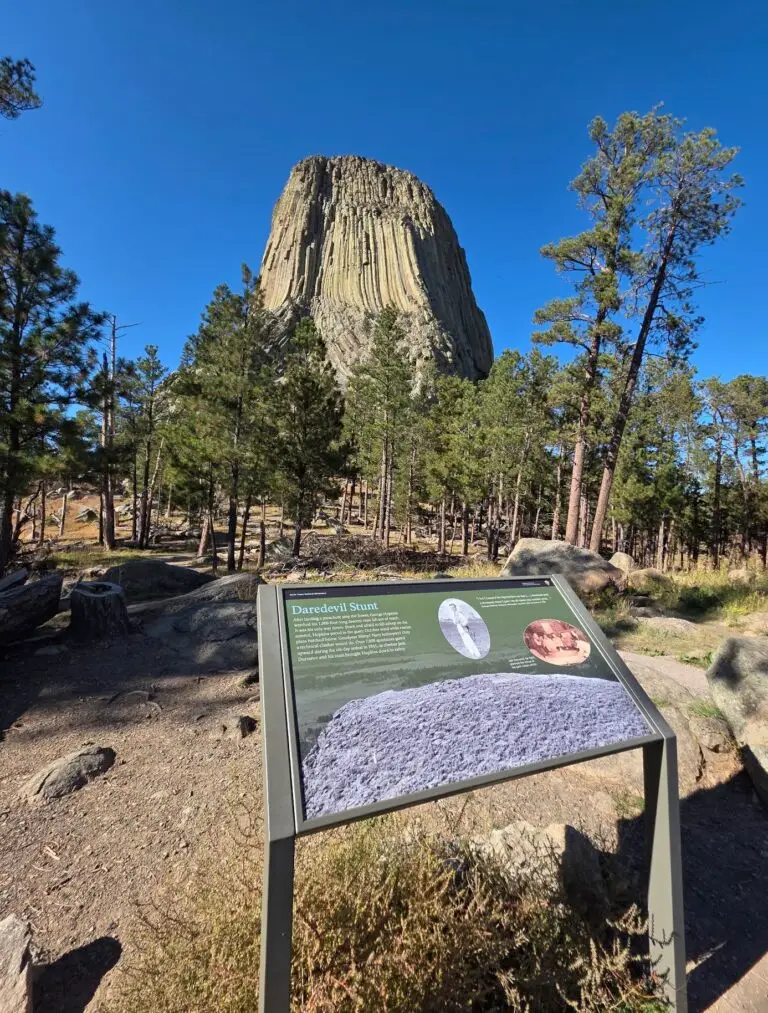
In 1941, a guy named George Hopkins parachuted onto the top of Devils Tower for a $50 bet… and forgot one small detail... how to get down. His rope drop missed, so he spent six days stranded on the summit while the world watched. Moral of the story: always double-check your delivery address. 😅
